
Appearance
[1.5] Item list views
The main list shows records according to the specified refine options.
Depending on the module, some additional features may be shown.
Checkboxes for management of multiple records
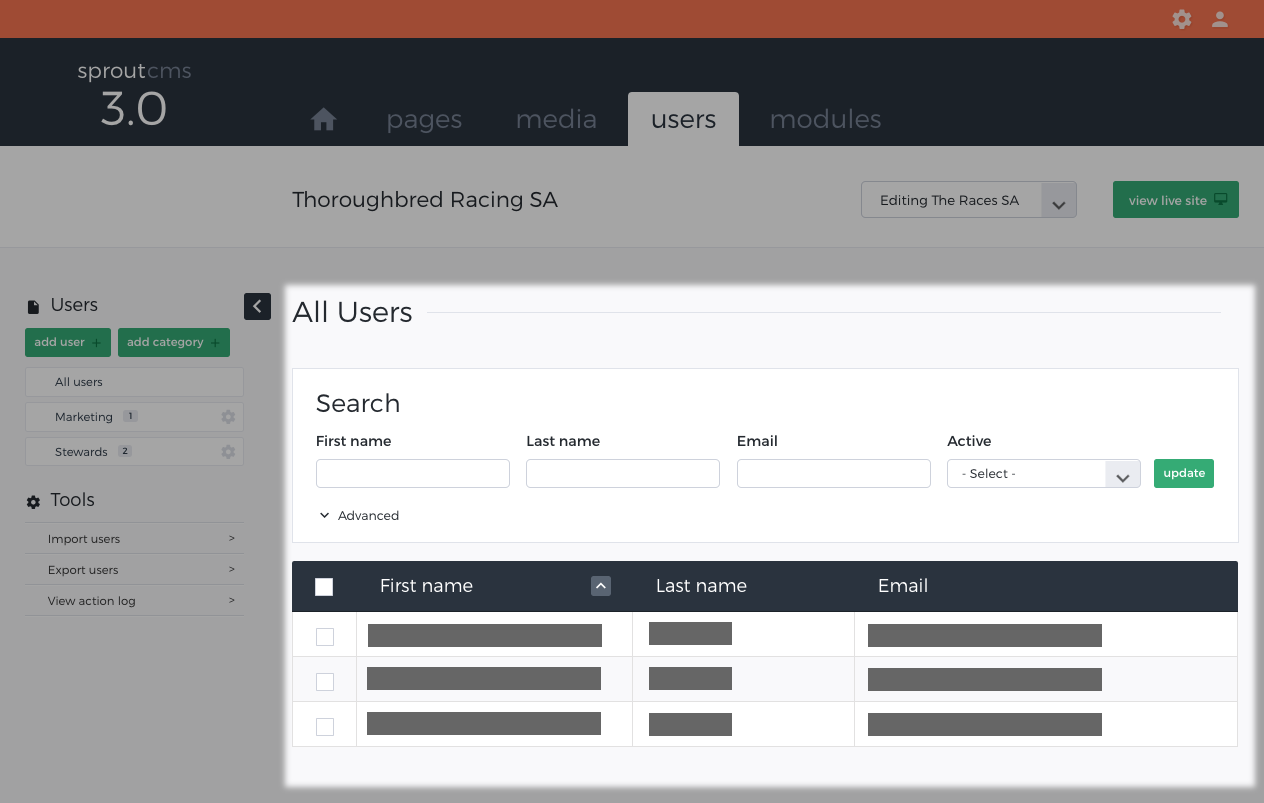
These allow multiple records to be selected, and actions done on the whole group of records.
Click on the checkboxes for one or more records, and an extra set of options will show up below the list. Note that you can click one checkbox and hold down shift while clicking on a checkbox 10 rows below - this will select all 10 checkboxes.
Options will include Delete, as well as Categorise for modules which have categories systems.
Action links
These are located near the save button and allow for quick access to common tools. The actions are different per module.
Most modules have a Delete link, which will take you to the deletion page for that record.
There may be others too, e.g. for newsletter sending.
Ordering arrows
These change the column used for record ordering.
Click the arrow once to order in acending order. Click it again for decending order.