
Appearance
[5.1] Files - adding
This upload tool only works if you have the a recent version of your web browser.
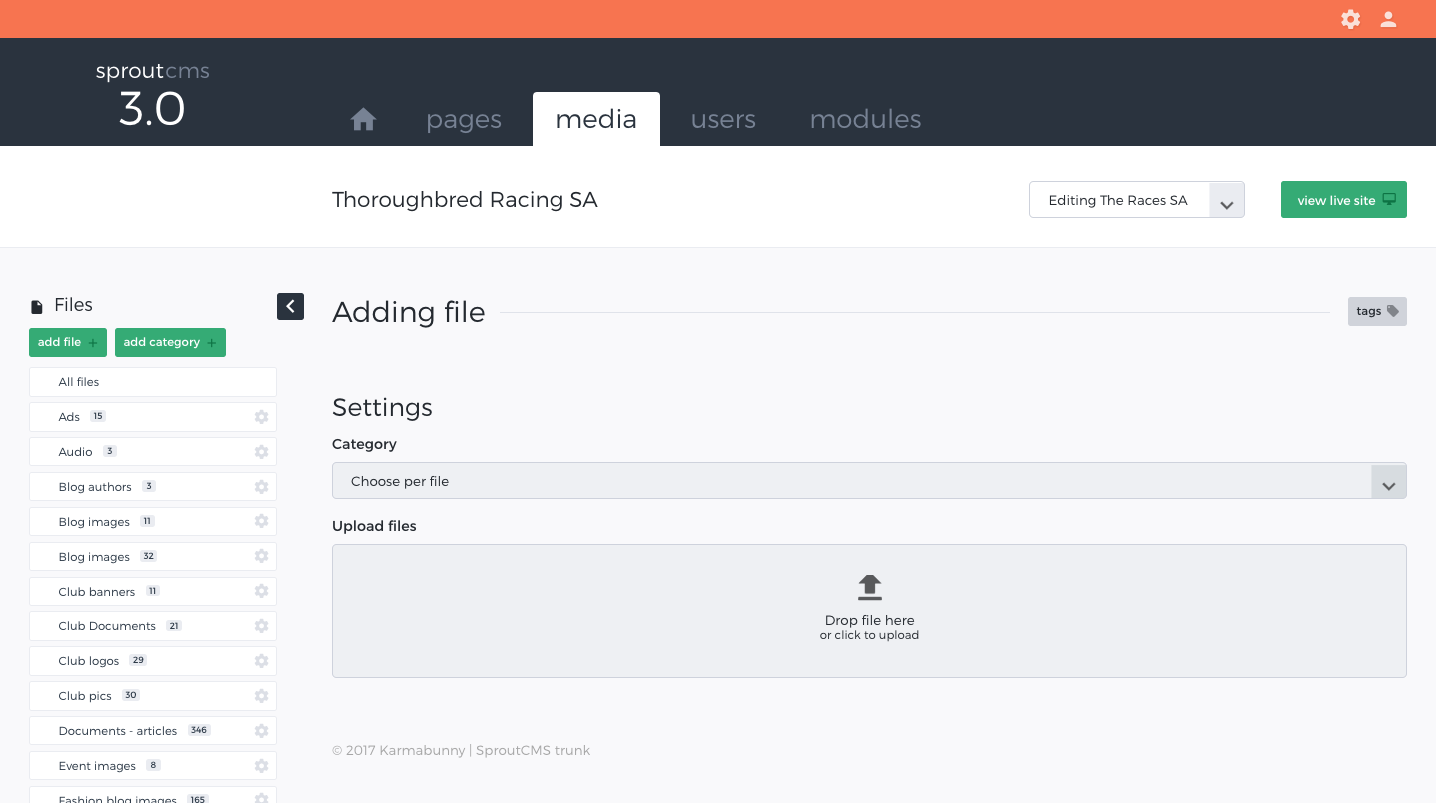
While in your Media Repository click on 'add file' and then:
- Select the category that you wish to add the file (or files) to
- Drag-and-drop one or more files into the box indicated*
- Set the file parameters for each file uploaded
- Click on Save for each file uploaded
- Note: you can also click on the drag and drop box and select files from your computer or local network.
Important security note
You may notice that you can create private pages with content that can only be accessed by specific users (See entry in Pages on 'Creating private pages'). Importantly any files that are stored within your media repository will NOT become 'private' simply because you have linked to them from a 'private' page. If you require your files to be 'secure' and have specific access rights then contact us about getting the 'secure files' module installed.