
Appearance
[4.3] Pages - revisions
This is accessed by editing a page and clicking onto the revisions button.
It shows a list of changes which have previously been made to the page - who did the change, and when the change was made.
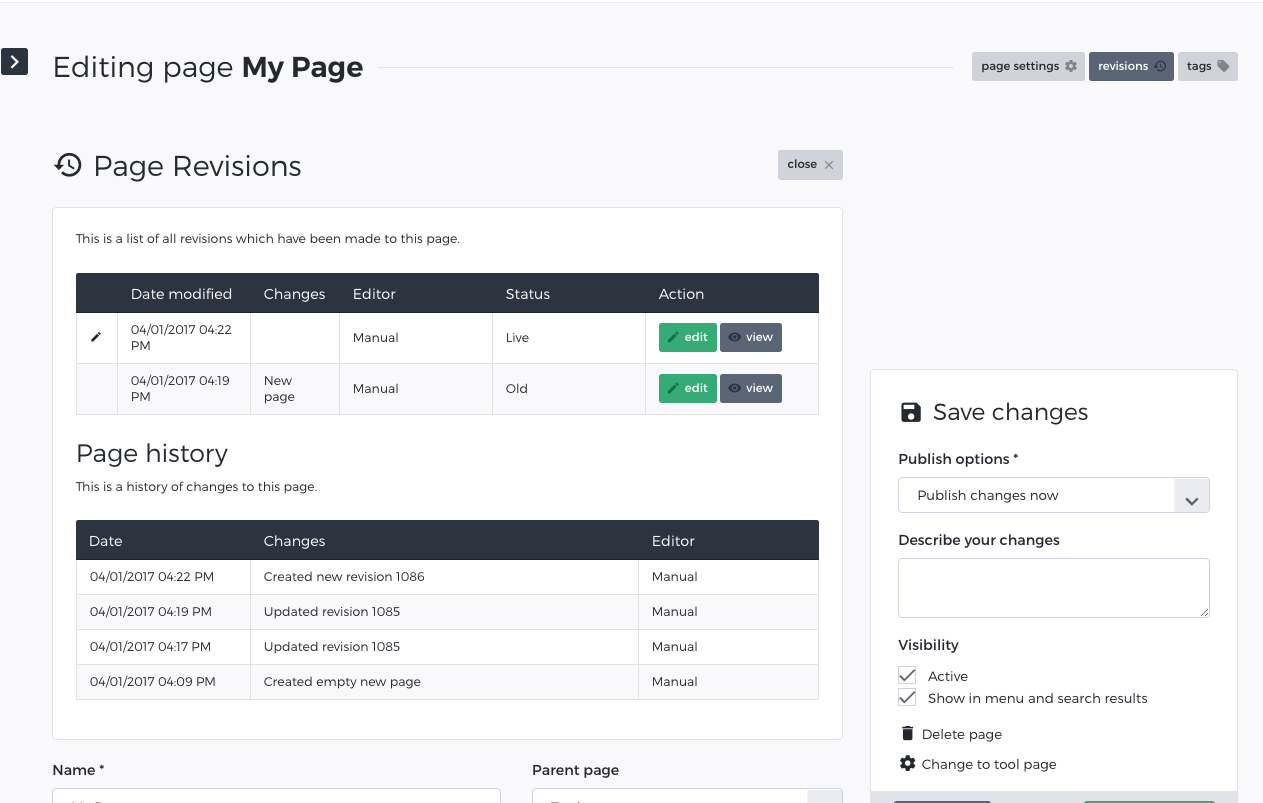
It is effectively a complete history of all of the changes that have been made to a page. The page with the status of 'Live' is the current version of the page.
Click on any revision to load it in the TinyMCE editor. Upon loading a previous revision into the editor you can edit it and use any of the traditional save options, including making it the live revision of the page.