
Appearance
[5.3] Files - deleting
All modules share this same method for item deletion unless customised.
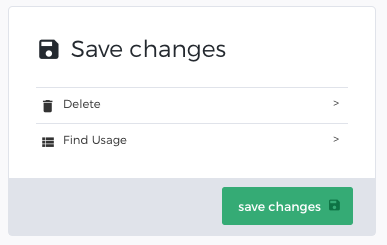 Locate the item you wish to delete by either looking in the category it belongs to, or by doing a search/refine.
- Once you've found it, click on the row to go into the edit view of the file.
- In the Save Changes box you will see an option to delete
- Click the Delete option.
- Confirm the deletion by clicking the Delete file button.